Showing posts with label Clipping Masks. Show all posts

Friday, May 24, 2013

Collage Blends

Beautiful set with birds, Flowers and taped patterns
Collage Blends were created using different mediums such as old papers, brushes, elements and type to create a stunning addition to your projects. They can be used to blend into your papers and also as a clipping mask. You can also use them just as they are.

MDuggar_E_CollageBlendsSix


MDuggar_E_CollageBlendsSix_02

Monday, April 29, 2013

Facebook Freebies oh My

The Creative Pixel and all it’s Artist have Facebook pages and for a limited time they are all offering Exclusive Freebies to those who like their Fan Pages!!..Here is a Listing

The Creative Pixel Facebook Page

Robyn Gough Designs Facebook Page

Urban Wings Artography Facebook Page

Marcee Duggar Designs Facebook Page

Go Check Them out like the Facebook Fan Pages to get your Freebie and also keep up to date with new products, sales and Fun stuff happening at

The Creative Pixel Web Site!!

Check out some of my designs in the tCP store!!

MDuggar_B_CollageMDuggar_B_PWBRandomTwoMDuggar_CM_ArtisticMasksFourMDuggar_CM_CollageFourMDuggar_E_CollageMDuggar_E_CollageBlendsThreeMDuggar_E_FMHardwareTwoMDuggar_E_HeritageCharmClotheslineMDuggar_E_OldTimersMDuggar_E_StickItFourMDuggar_E_VintageCollectorMDuggar_GP_CollageMDuggar_GP_EclecticHeritageMDuggar_GP_HeritageCharmedMDuggar_GP_LostFoundMDuggar_GP_OliviaMDuggar_S_CollageOneMDuggar_WA_Collage

Monday, May 16, 2011

Tutorial: Clipping Masks Using Different Elements in Photoshop

Wanted to show you different ways to use some of my designs.  I will be using my Vintage Note Element Set 2 and Collage Elements Set 3 .

Clipping masks are a great way to get that brushed on appearance on your layouts.  You can use photos or you can use papers with your clipping Masks

First you want to learn how to use Clipping Masks.

~ open New document 12x12 300 ppi

~ Open Your Mask for this I will be using Vintage Notes

~ Place your mask in your New Document

~ Open any picture and place it in layer Above Your Mask

~ Take your mouse and place it between the Picture layer and Mask Layer Hold the ALT till you see the round symbol then CLICK your photo is now Clipped

Tut_Clipping_Icon Tut_Clipping2_Icon

~ with your photo clipped you can move it around and resize if needed.

~ It looks pretty cool like this but we can take it a step further with the blending modes

~ right click your picture layer

~ Blending options

~ when the Box appears you will see Normal click on the dropdown arrow and just go thru the different blend modes till you see on that you like I have chosen Multiply here.

Blending

~Here are some examples of what you can do with Clipping and Blending
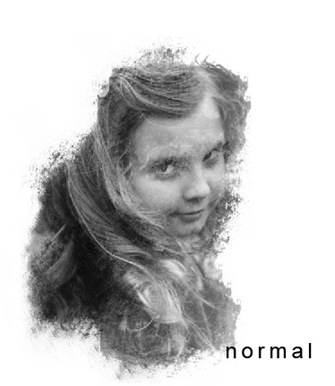
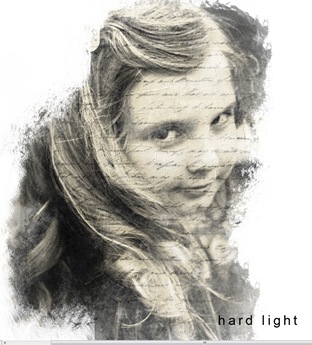
normal  HardLight

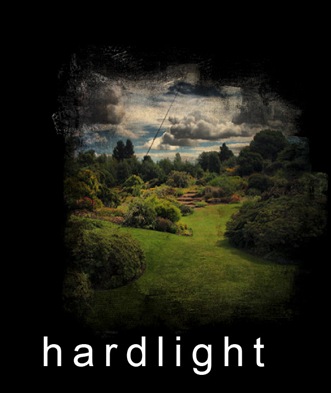
~ for these 2 images below I used my Collage Elements Set 3
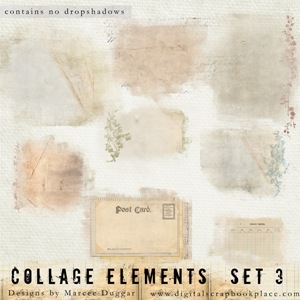
08_E_Collage3


Normal_Landscape hardlaight_Landscape


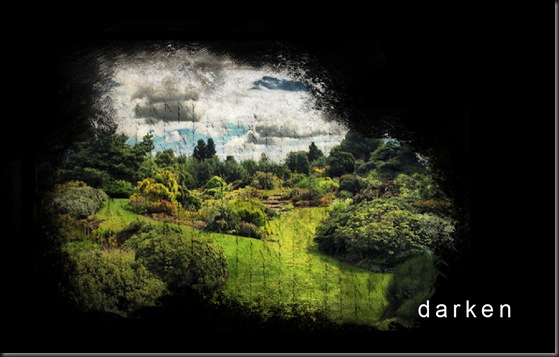
~Vintage Notes Set 2 for these below
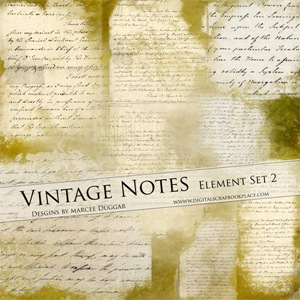
08_E_VintageNotes2

colorburn darken


~When you get the look you want just merge the 2 layers together and your done!!

-------

I also have lots of regular Clipping masks in the Store your can clip your photo onto and then merge…

then you can use blend if you like.  These sets all come in black they can be rotated and resized!!
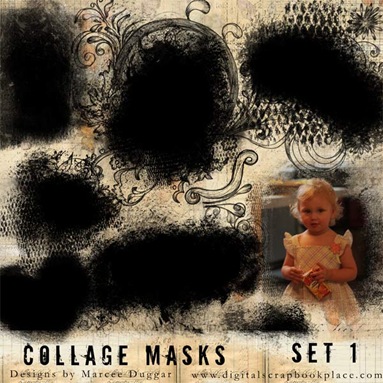
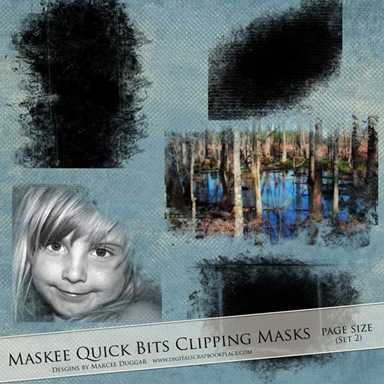
08_T_Collage1 08_T_Maskee_S2

08_T_PhotoMaskee3 08_T_PhotoMaskee2


Hope You enjoyed this Tutorial on clipping masks..any questions please feel free to ask!!

Monday, November 15, 2010

Blog Freebie: Maskee Photo Mask

Ever wanted to try using a clipping mask here is your chance to download a free clipping mask from me.
Instructions for use are included any questions please just ask
marcee@thecreativepixel.com

MaskExample

Download Link:
Free Photo Mask

More sets available HERE

OTHER SETS AVAILABLE TOO

Thursday, February 11, 2010

Clipping Masks Freebie

software programs that can currently use these templates include - Photoshop 6 or higher, Photoshop Elements 2 or higher, Paint Shop Pro 7 or higher, PhotoImpact recent versions, Digital Image Pro recent versions, Picture It version 7 or higher, and some Corel Paint programs recent versions. Not currently supported - Hewlett Packard Creative Scrapbook Assistant, FotoFusion by Lumapix, or Creating Keepsakes Scrapbook Designer Program.Here is a set of Page Size Clipping Masks…

Instructions for use of the Maskee sets are in your download file.


This set of 5 Large Page Size Clipping Masks will give your photos the appearance of being brushed on your papers.  These are perfect for Landscape and large photos


08_T_MaskeeFreebie2

example of use:

Maskeelayoutexample

Download Links:


Maskee Freebie 200 ppi size


Maskee Freebie 300 ppi size


Other Maskee Sets are available at the DSP store


08_T_Maskee1